Fold a photo
into a whole world.
Orbit Studio bends an ordinary landscape into a tiny planet, a tunnel, or a spiral. Drop in a photo, drag one slider, and watch a planet bloom in real time.
macOS 15+ · Apple Silicon · GPU-accelerated · Current Version: 1.1
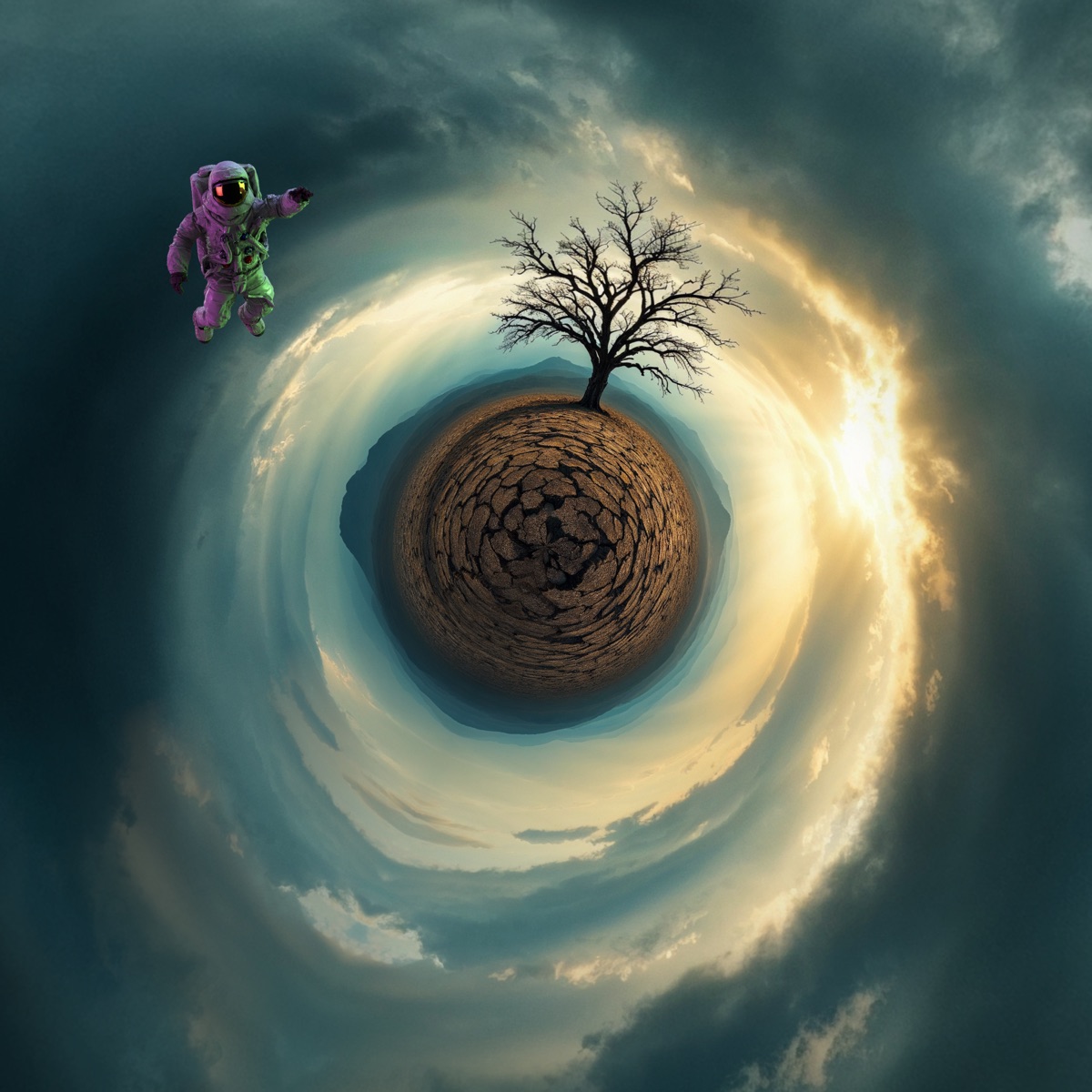
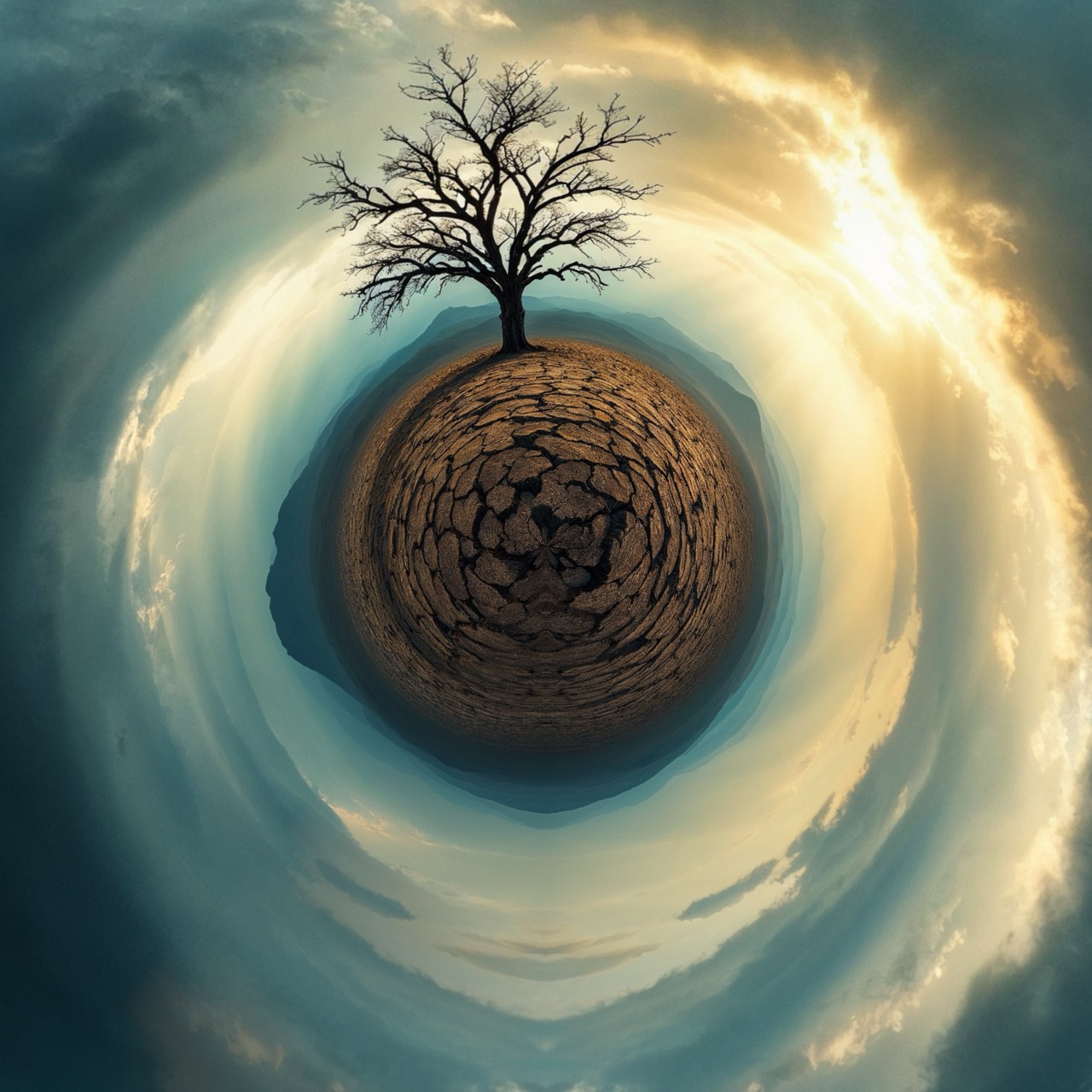
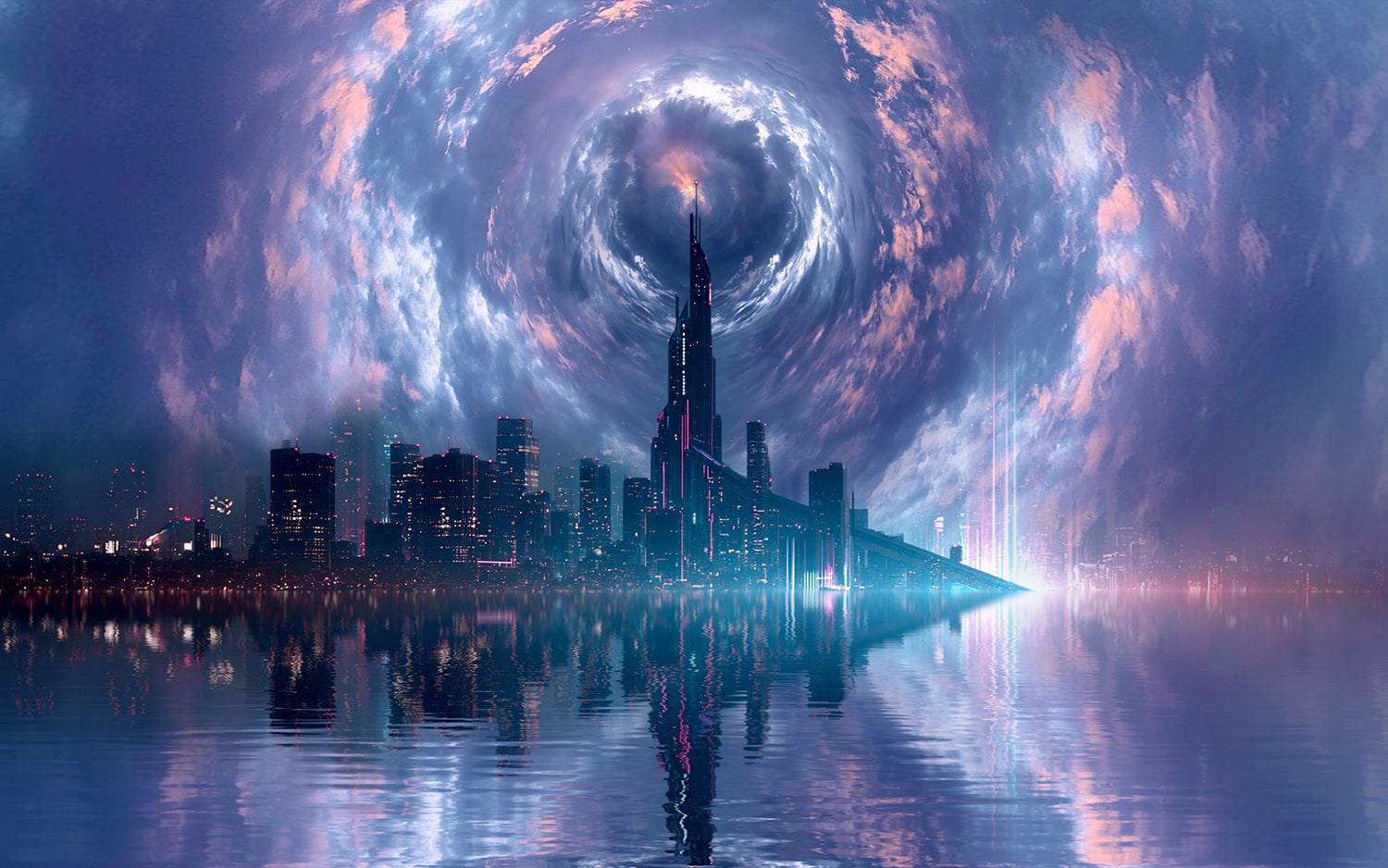
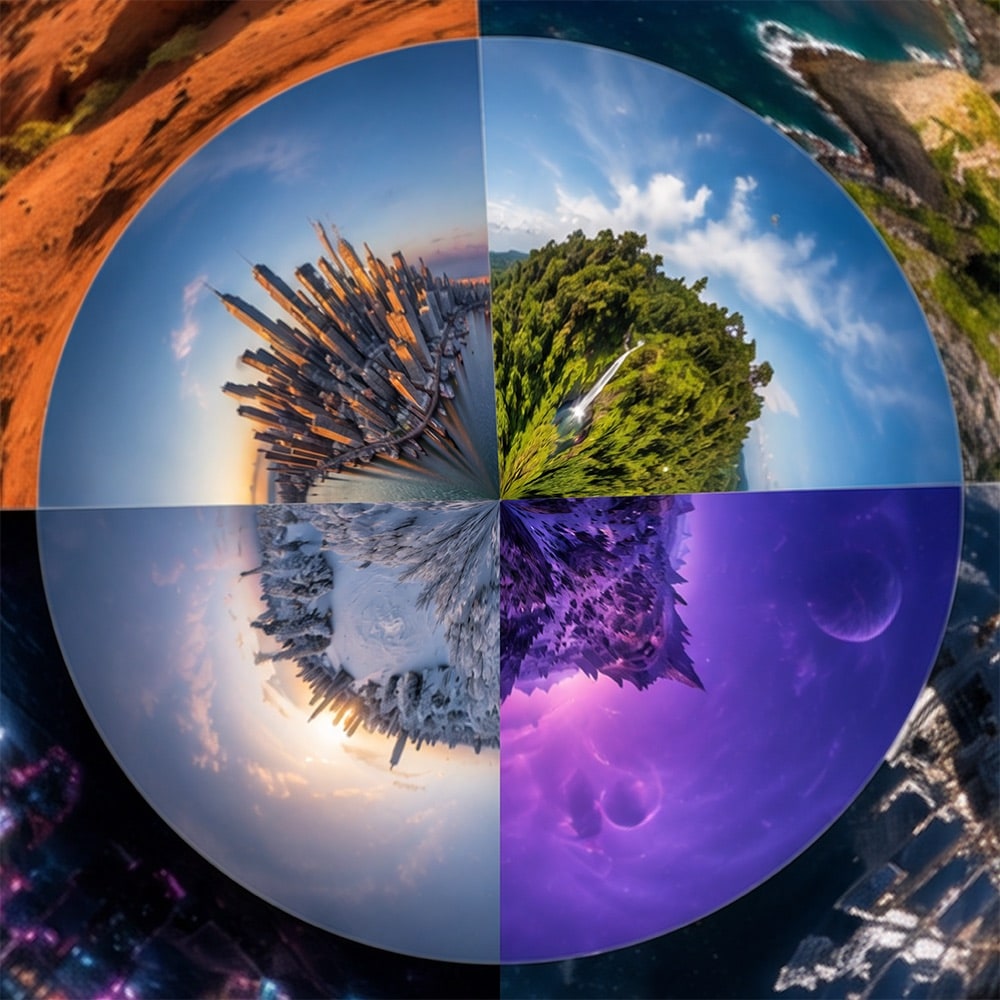
One photo in. A planet out.
Everything happens live. Move a slider and the world re-forms under your cursor — no render button, no waiting.
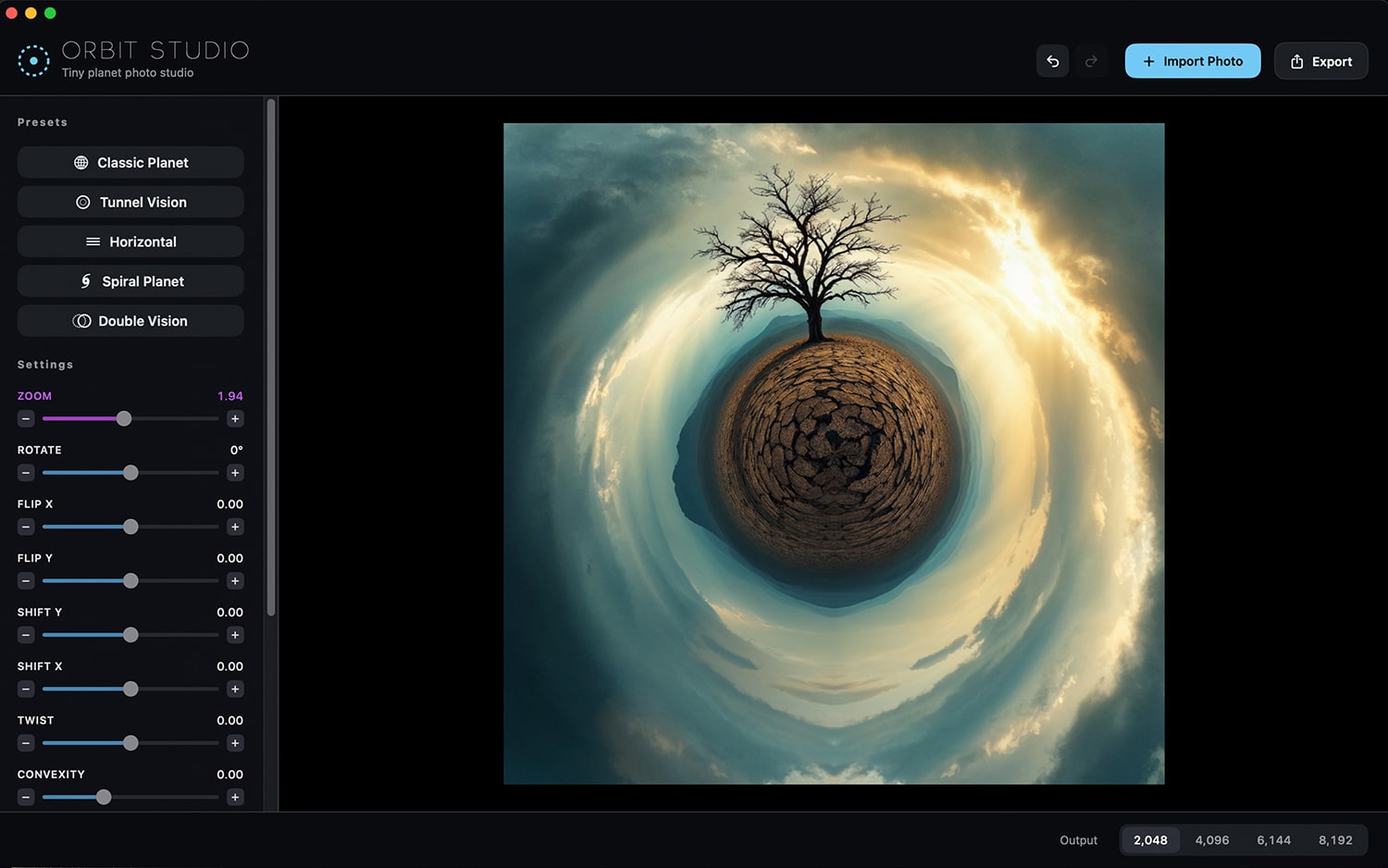
One photo. Five worlds.
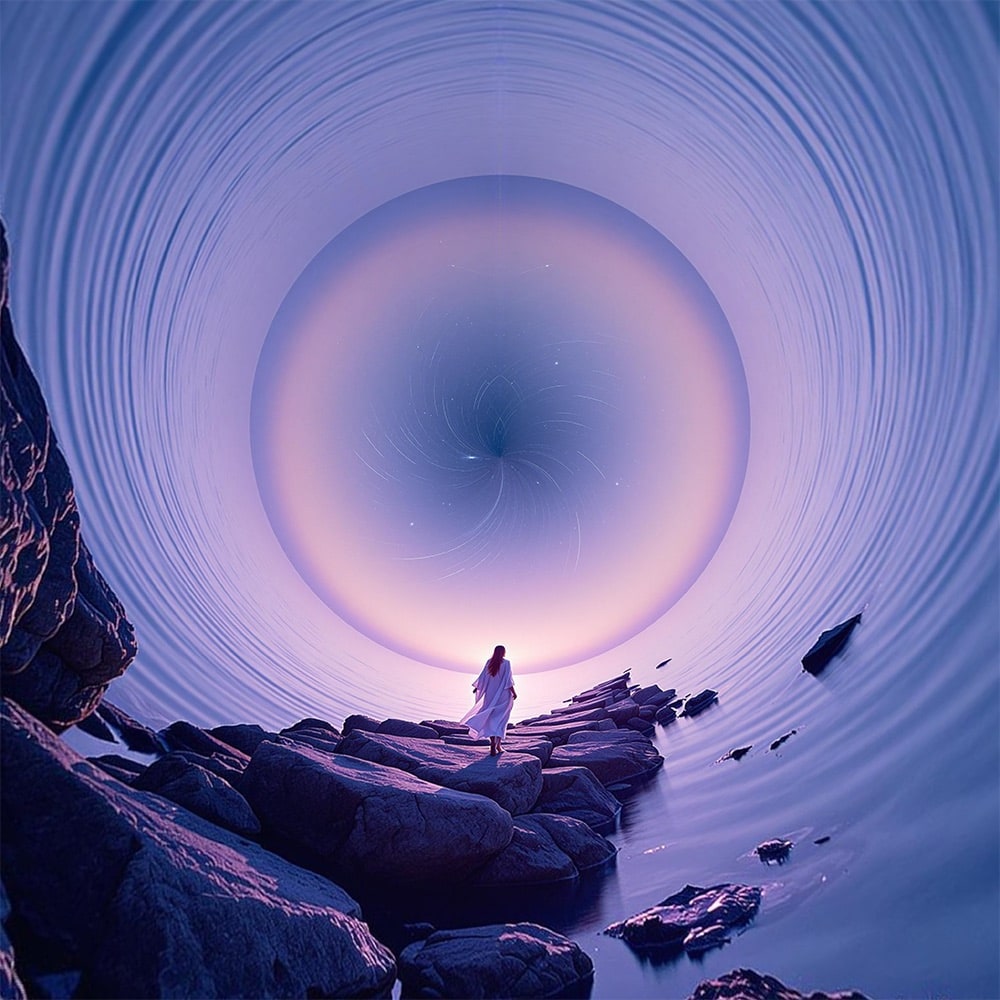
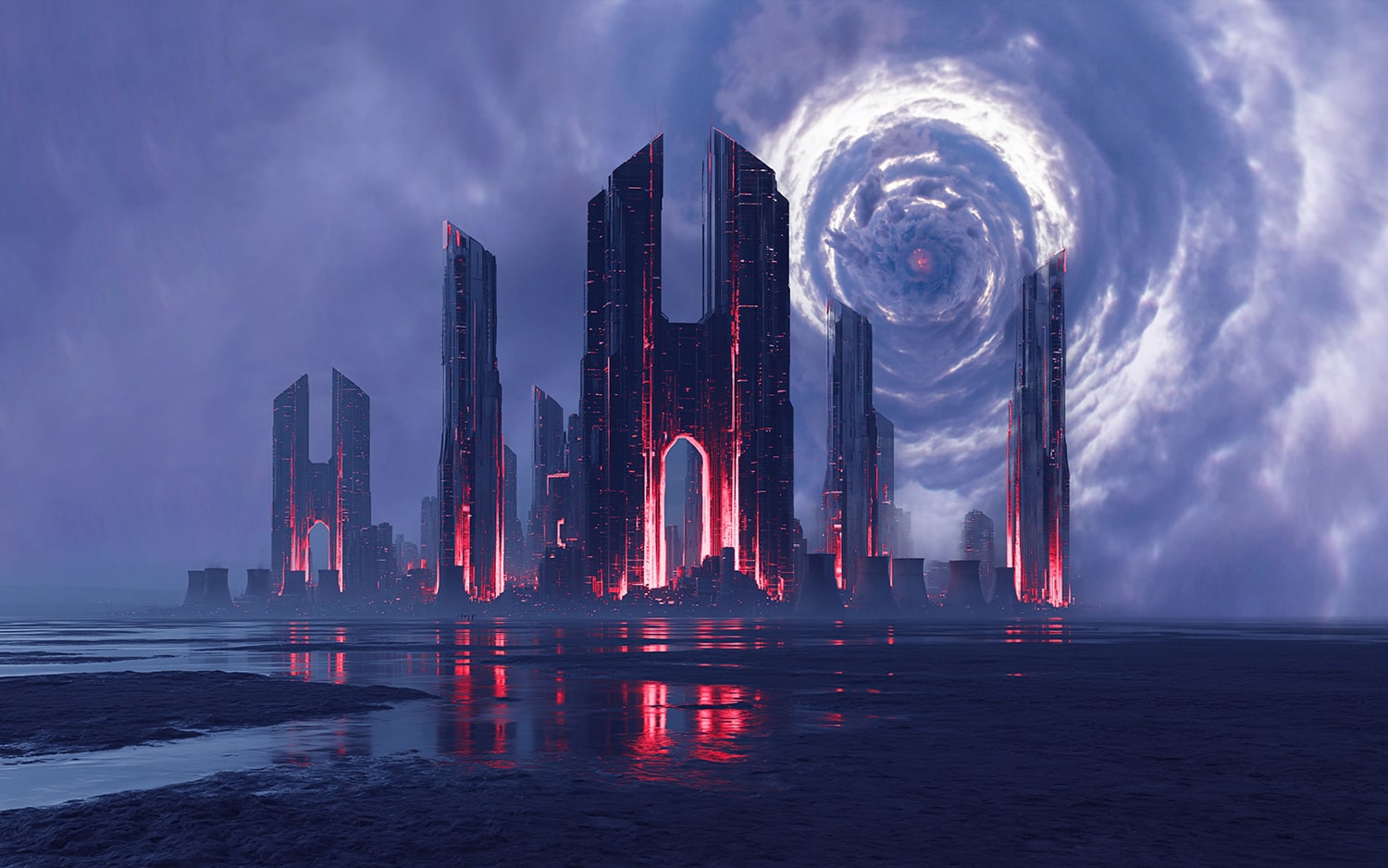
Every preset is the same tree — just a different projection. Tap through them to see a floating planet become a tunnel, a horizon, a spiral. Each is a considered starting point you can refine from there.
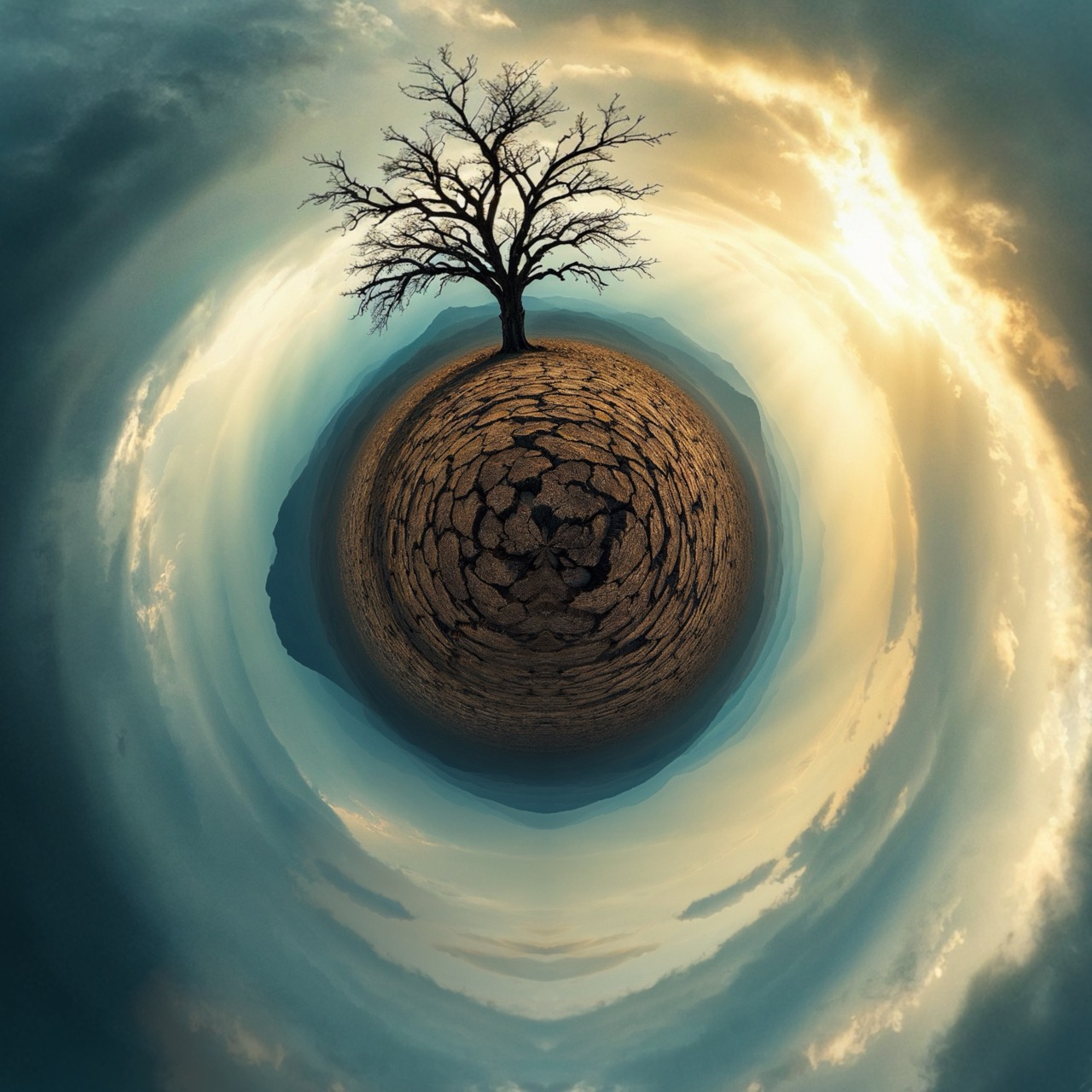
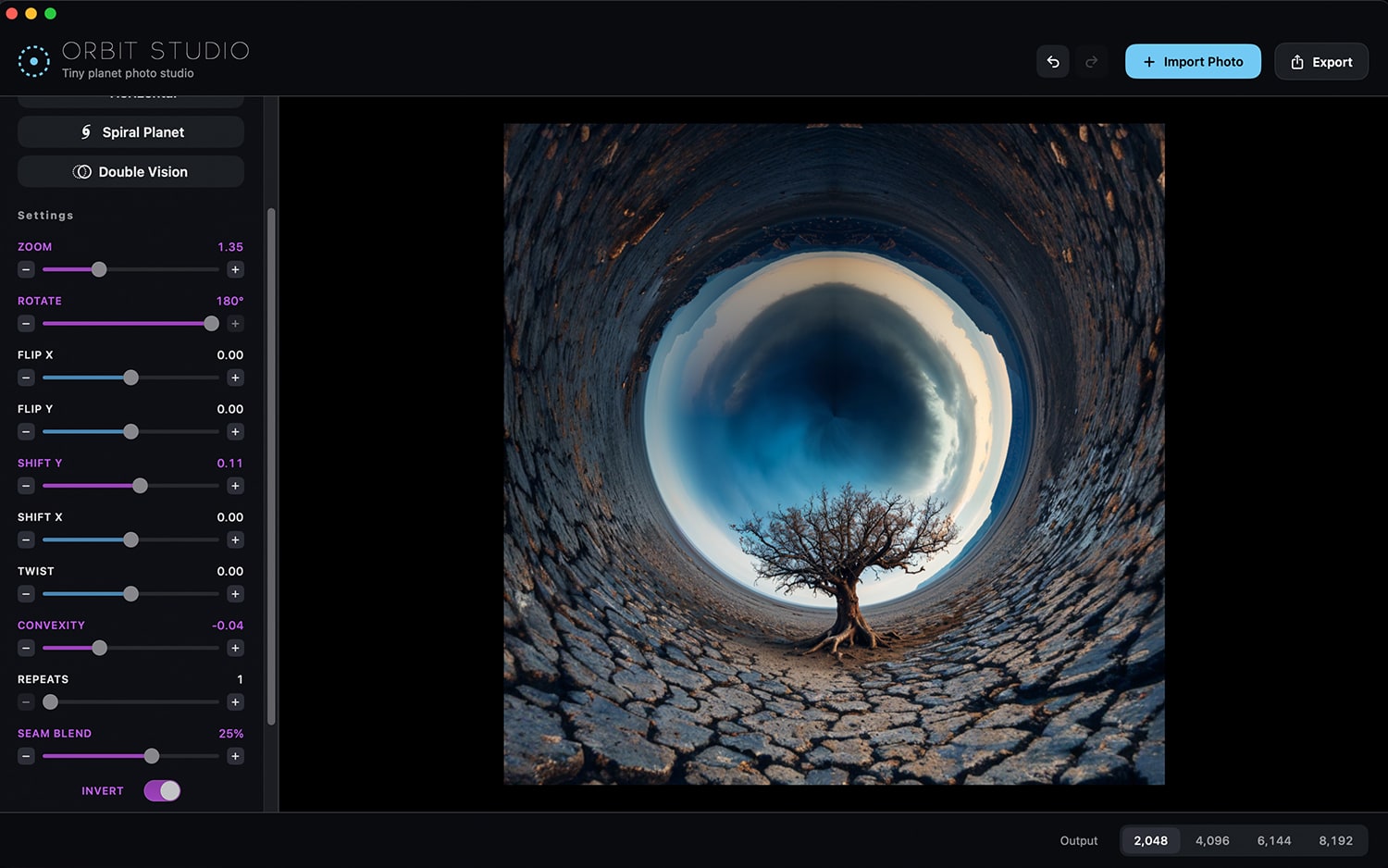
Turn the world inside out.
Flip the projection and the ground wraps overhead into a tunnel, the sky pooling at the center. Slide between the two and the horizon rolls across the frame — every frame in between is its own image.
Small controls. Big range.
Live stereographic engine
A GPU projection redraws the planet every frame as you drag. No render step — just instant worlds.
Layers
Brand new Layers to add to your circular photos - from SKIES, SUN, MOON, and MORE!
Twist, shift & flip
Spin the world into a spiral, slide its center, or roll smoothly from planet to tunnel on either axis.
Export to 8K
Render at up to 8192px for prints and wallpapers, or copy the result to the clipboard in one keystroke.
Undo everything
Full undo and redo, snap-to-default sliders, and micro-adjust buttons for dialing in the exact frame.
Drag, drop, paste
Drop a file, open from disk, or paste an image straight from the clipboard to start a new world.
Buy it once. Keep it forever.
No subscription, no account, no catch. One payment and Orbit Studio is yours.
Pay once and own every feature, including future updates to Orbit Studio.
- All presets, sliders, and effects unlocked
- Export up to 8K, with no watermark
- Every render stays on your Mac — no cloud, no AI
- Free updates, no subscription ever
macOS 15 Sequoia or later · one-time payment
Good questions.
Does my photo ever leave my Mac?
Is there any AI involved?
Do I need a 360° camera?
Is it really a one-time purchase?
What can I export?
Which Macs are supported?
Orbit Studio is the app I always wanted Circular Studio to be. My original ran on OpenGL; this one is rebuilt from the ground up on Apple's Metal, engineered for the speed and displays of modern Macs — so the planet forms the instant you touch a slider.
 BrainFeverMediaMaker of Orbit Studio
Your next planet is
one photo away.
Download Orbit Studio and turn the view from your last trip into a world of its own.
macOS 15 Sequoia or later