PHYSICS
Flare Studio is not a sticker pack — it's a lens simulator. Every ghost, dash, and halo lives on the optical axis: drag your light source and the entire reflection chain sweeps through the frame, exactly as it would through anamorphic glass.
Real optics
Ghosts track the line from your light through the lens center. Edge glare ignites only as light exits the frame. Aperture polygons hold steady, like true iris artifacts.
Pure added light
Every flare screens onto your photo — light is only ever added, never a darkened pixel. Stack as many as the scene can hold, then pull the gamma dial for headroom.
Beyond the frame
Push the sun just past the edge and the flare lingers — the shot cinematographers chase for hours. Move the optical center itself and every reflection pivots to match.
INSIDE THE STUDIO
A rack of glowing flare families on the left, your photo in the middle, per-flare controls on the right. Tap or drag a preset onto the frame, then move the light — everything else follows the physics.
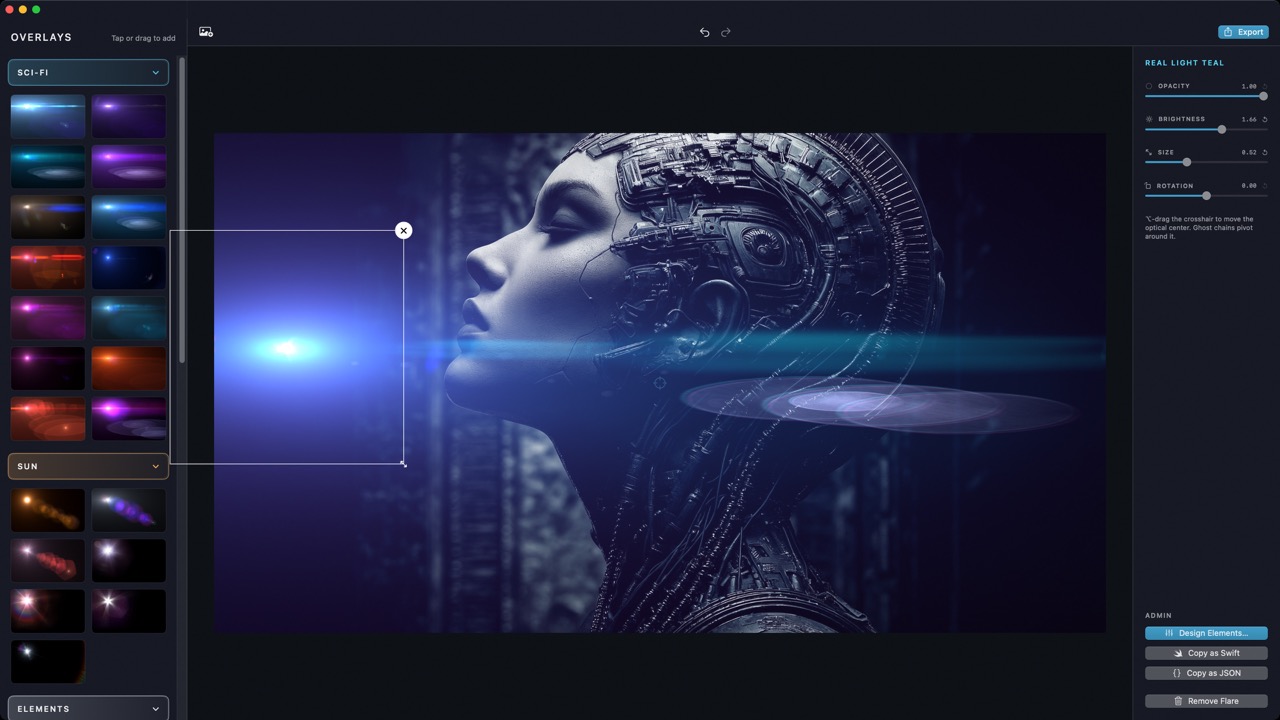
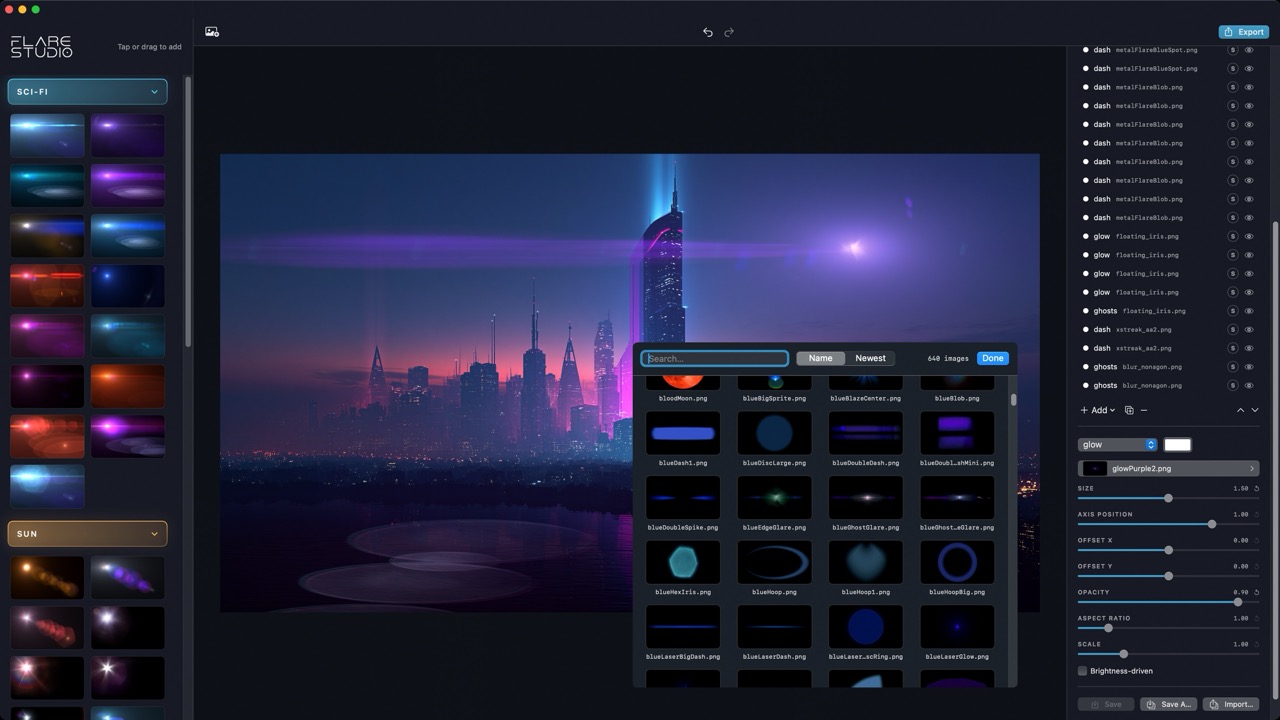
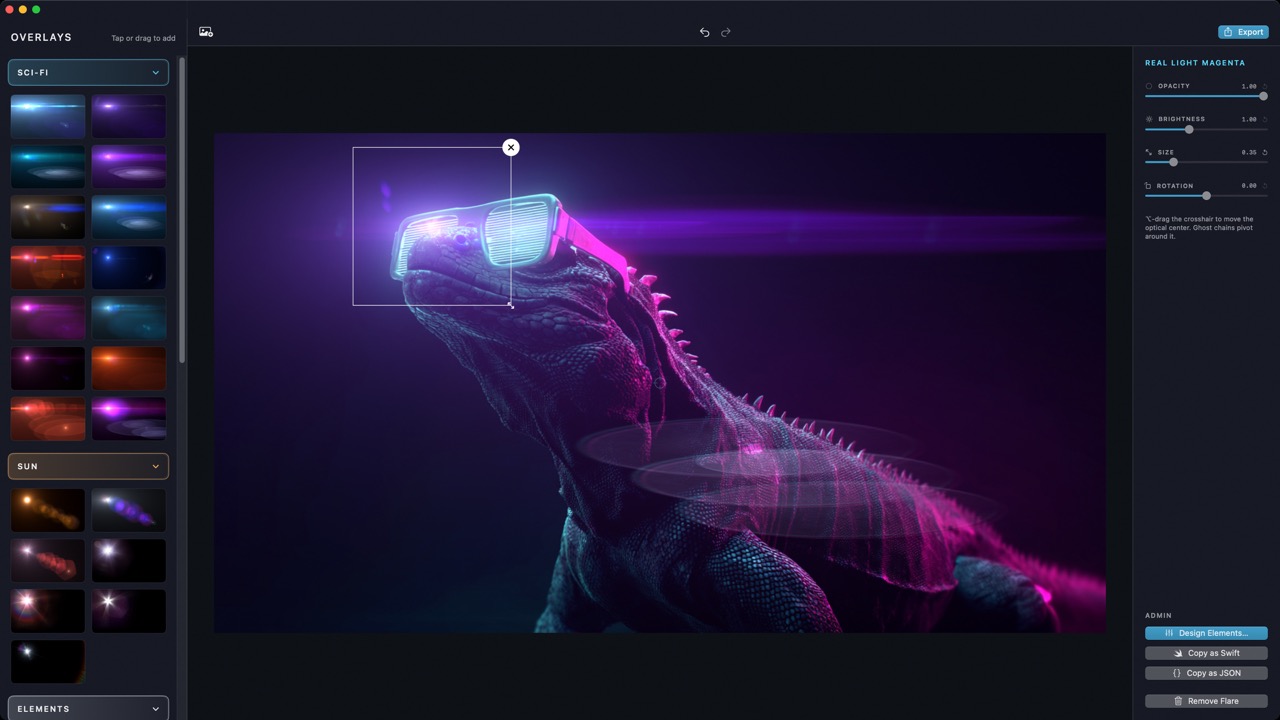
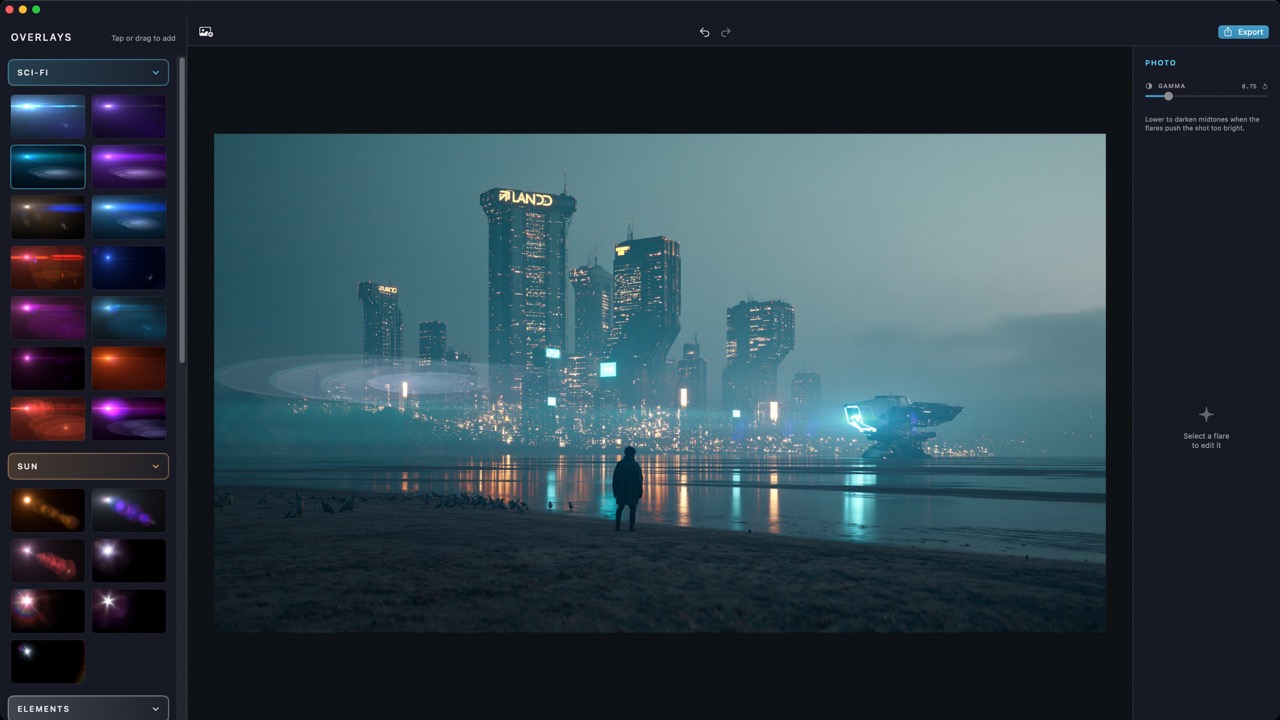
SHOT WITH Flare StudIo
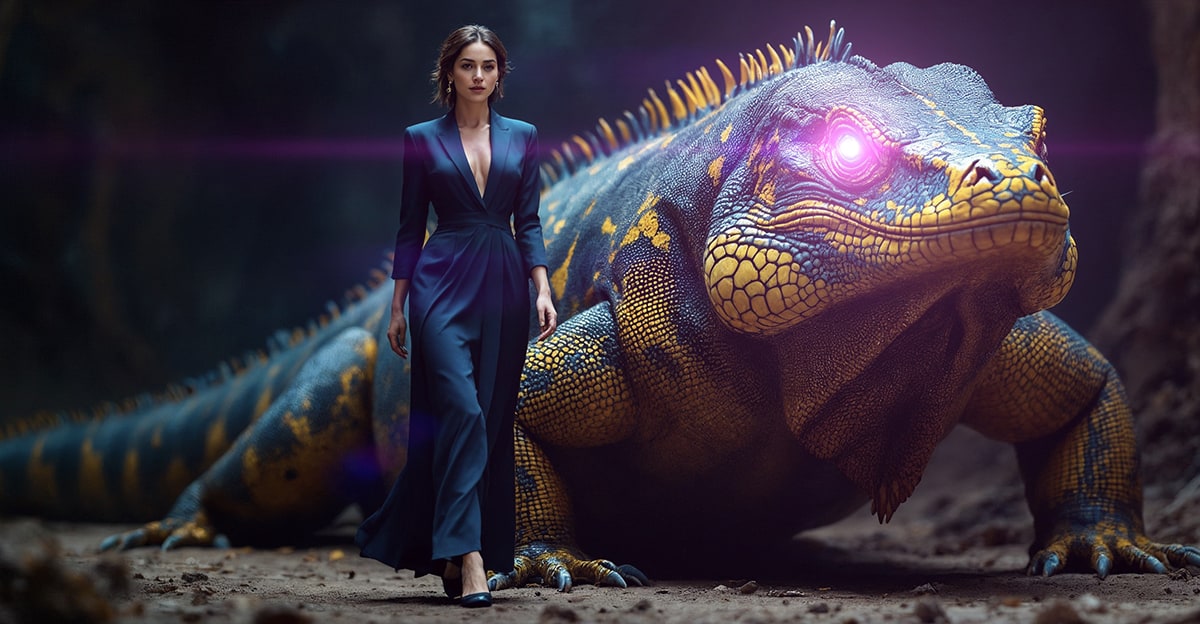
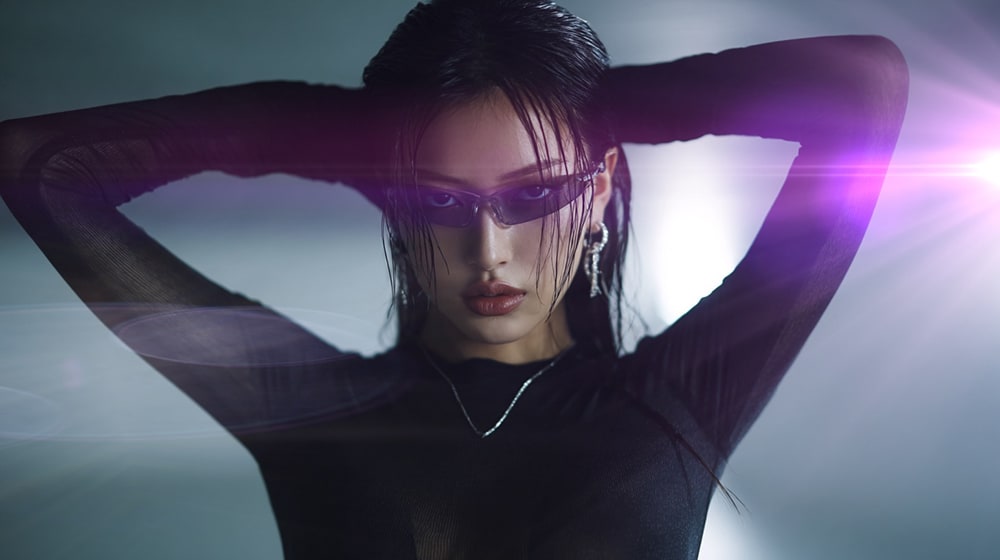
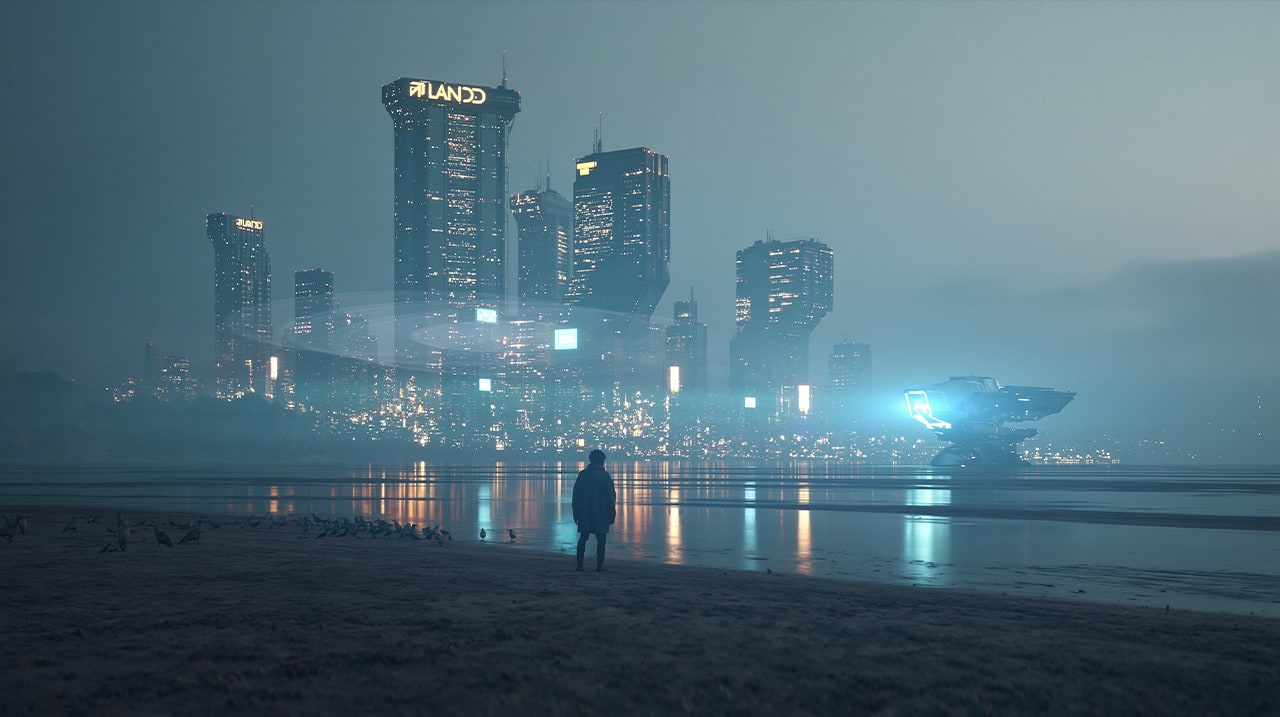
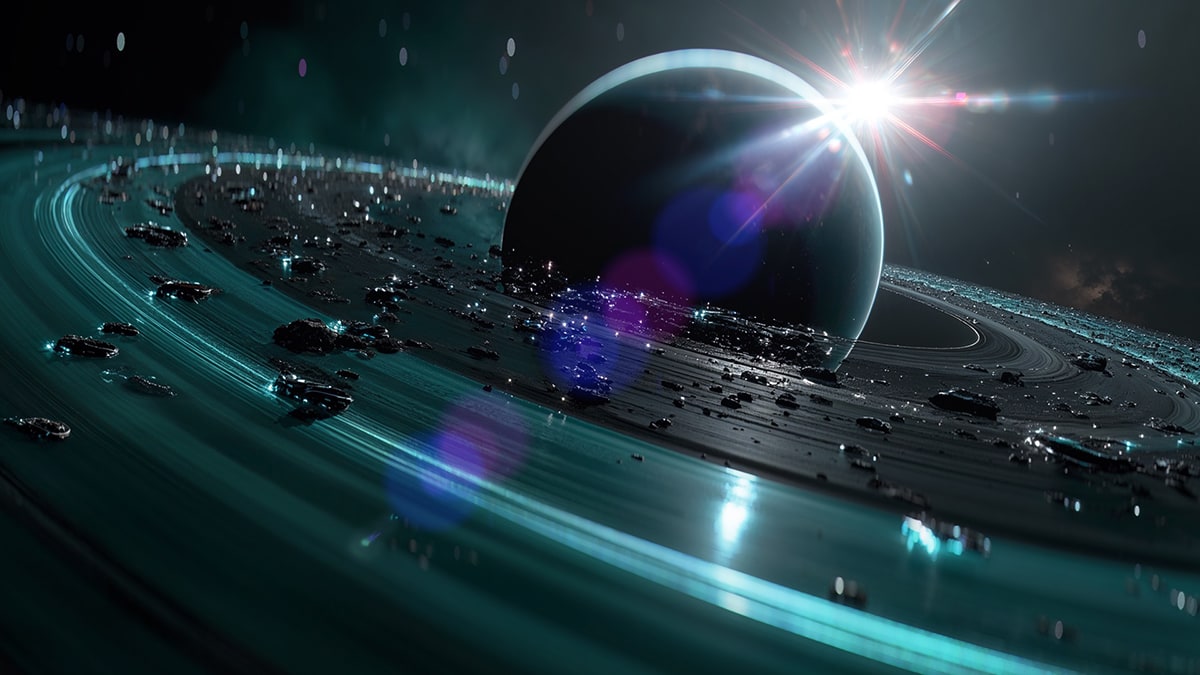
HAND-CRAFTED Flares
Four families, one engine. Every preset was tuned element by element — streaks, ghost chains, caustics, edge veils — and each renders live as you drag.
Anamorphic streaks, ghost trains, spectral beams.
Golden cores, telephoto disc arrays, real sun plates.
Sparks, streaks, and chains that stack like building blocks.
Moons, eclipses, red suns, and rainbows for your landscapes.
BUILT FOR COMPOSITORS
Pixel-exact export
Export at full native resolution, identical to your preview — the same render path draws both, so what you see is what you ship.
Copy flares ⌥⌘C
Copy just the flare layers, rendered on black, straight to your clipboard — ready to screen-blend in Photoshop, Affinity, or any compositor. Your flares, your workflow.
WHY I BUILT THIS
“This is the flare app I’ve always dreamed of — inspired by Lensflare Studio, my original flare tool, but rebuilt from the ground up for Apple Silicon and modern Macs. Every ghost, caustic, and edge glare now rides a true optical engine. I hope it makes your photos feel like cinema.”
— THE DEVELOPER · BRAINFEVERMEDIA
PAINT WITH LIGHT
From subtle golden-hour warmth to full atomic-blue heat ray.
BUY FOR MAC — $29.99 macOS 15 Sequoia OR LATER · ONE-TIME PURCHASEQUESTIONS
Will it work with my photos?
Yes — JPEG, PNG, HEIC, and TIFF at any resolution. Exports render at your photo’s full native size, pixel-identical to the preview.
Is it a subscription?
No. Flare Studio is a one-time purchase. Buy it once, it’s yours.
Can I use the flares in Photoshop?
That’s a favorite workflow: press ⌥⌘C to copy just the flare layers, rendered on black, straight to your clipboard. Paste as a layer and set the blend mode to Screen — it reconstructs the composite exactly, ready for masking and grading.
Will flares wash out or darken my photo?
Flares only ever add light — nothing is darkened. If a stack runs hot, the gamma dial pulls the photo’s midtones down for headroom.
How is this related to Lensflare Studio?
Flare Studio is its successor — same love of cinematic light, entirely new engine. Ghost chains, caustics, and edge glare are now driven by real optical-axis physics, built natively for Apple Silicon on macOS 15+.
Can I design my own flares?
Yes! The presets are hand-crafted element by element — and the designer that builds them is part of the app’s engine.